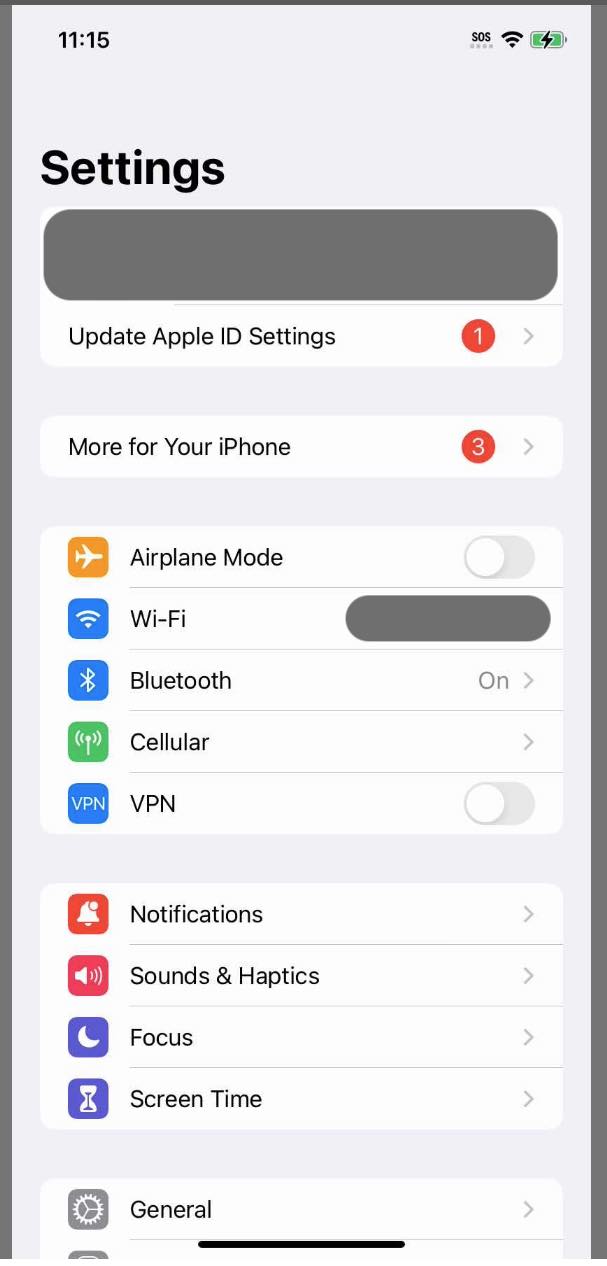
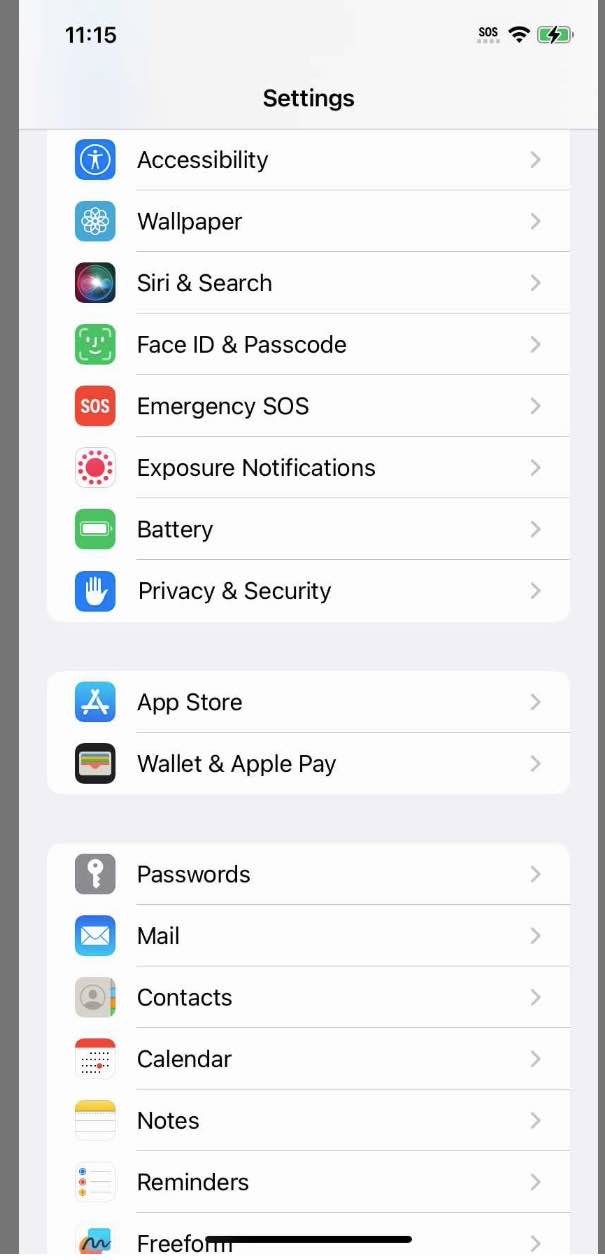
In some cases, iOS does not require scrolling to click an element outside the screen. For example, in the Settings app below.
Let’s think to do the action, driver.find_element(:accessibility_id, 'Accessibility').click. The “Accessibility” column is outside the screen, but the command works without any “scroll” action. This is the same as XCTest (UI) since Appium also calls the tap. This works in a table/list view, afaik. I don’t recall other cases, but probably grid view needed to scroll before. (Not sure recently)
This is a small tips, but it probably helps to do some actions.