At Google I/O, benchmarking feature has been released. The video is this.
In 2015, I wrote an article, titled [iOS][Swift]XCTestでパフォーマンスを計測したり、処理をwaitする. It was about how to measure performance in XCTest. It was able to use for both non-UI and UI tests.
As the similar way, we finally can get the way to measure performance on Android platform by benchmark! Below is the diff of iOS and Android.
//XCTest, Swift
func testMeasureMetrics(){
    measureMetrics([XCTPerformanceMetric_WallClockTime], automaticallyStartMeasuring: true, forBlock: {
        // Write test scenarios you would like to measure
    })
}

// Kotlin
@get:Rule val benchmarkRule = BenchmarkRule()

@Test
fun testMeasurePeroformance() {
    benchmarkRule.measureRepeated {
        // Write test scenarios you would like to measure
    }
}
They are very similar.
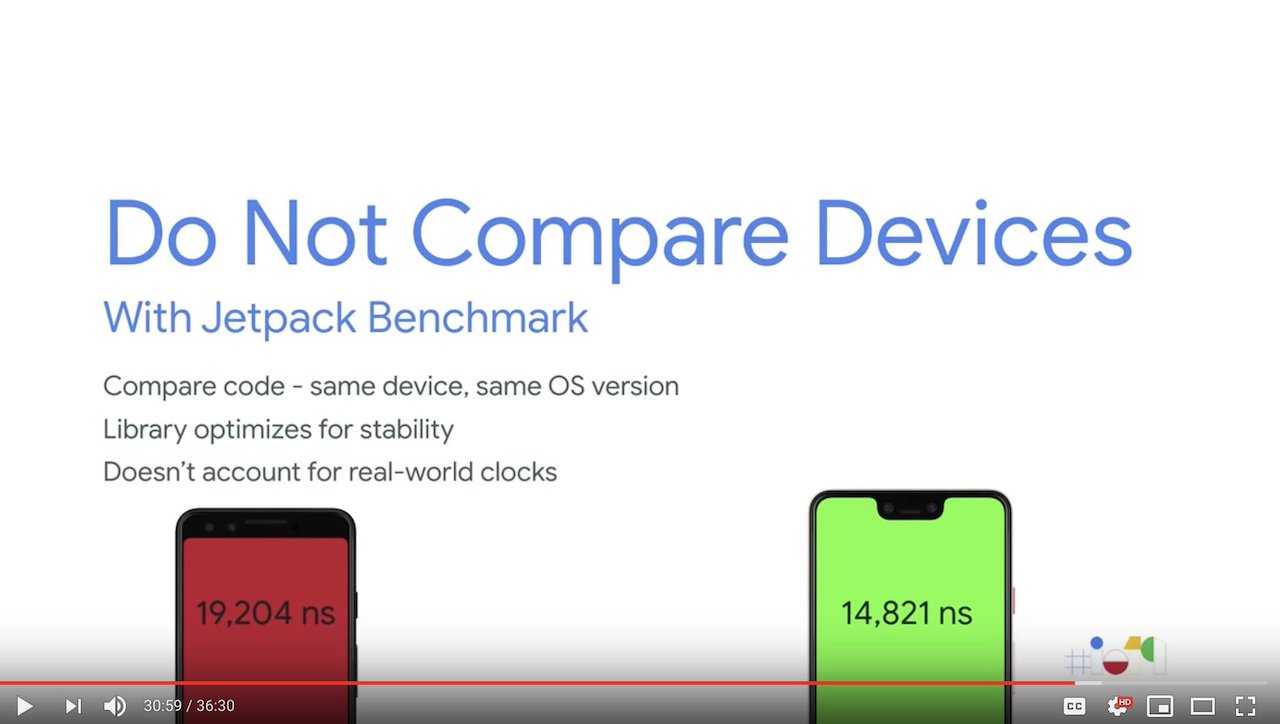
As the left side image, the benchmark focuses on measuring code performance mainly. It is not for the real world. The key is to reduce differences between test environment outside of code.
For now, if you would like to measure app performance before releasing the app in development environment or close to real user environment, we have below ways, for example.
|internal performance|      | close to real user environment |
| benchmark / Nimble | <==> | HeadSpin                       |
Take a look at Benchmark further
androidx.benchmark.AndroidBenchmarkRunner handles the benchmark feature. The runner is AndroidBenchmarkRunner. We should use the runner to measure such performance, we should switch AndroidTestRunner or your own Runner with it.
You should modulize your test target like https://developer.android.com/studio/projects/android-library#Convert and import it in the benchmark module. Or you should add the benchmark features into your test module.
As https://developer.android.com/studio/profile/benchmark#warnings , you must ensure your test app has been disabled debug feature since it make the performance worse. If you would like to measure production level code, it is mondatory tip to make the result reliable.
Anyway, it will be very promising to ensure the production code performance continuously.
https://github.com/KazuCocoa/EspressoEnv/pull/21/files is a simple example.
You can find samples in https://developer.android.com/studio/profile/benchmark#samples, too.
Happy testing and measuring performacne 🙂


